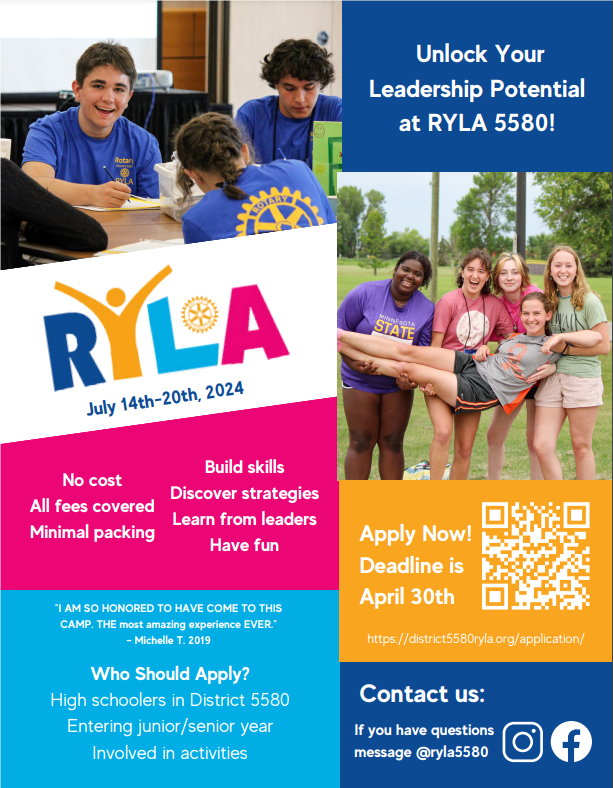
RYLA 2024 - Apply Now!
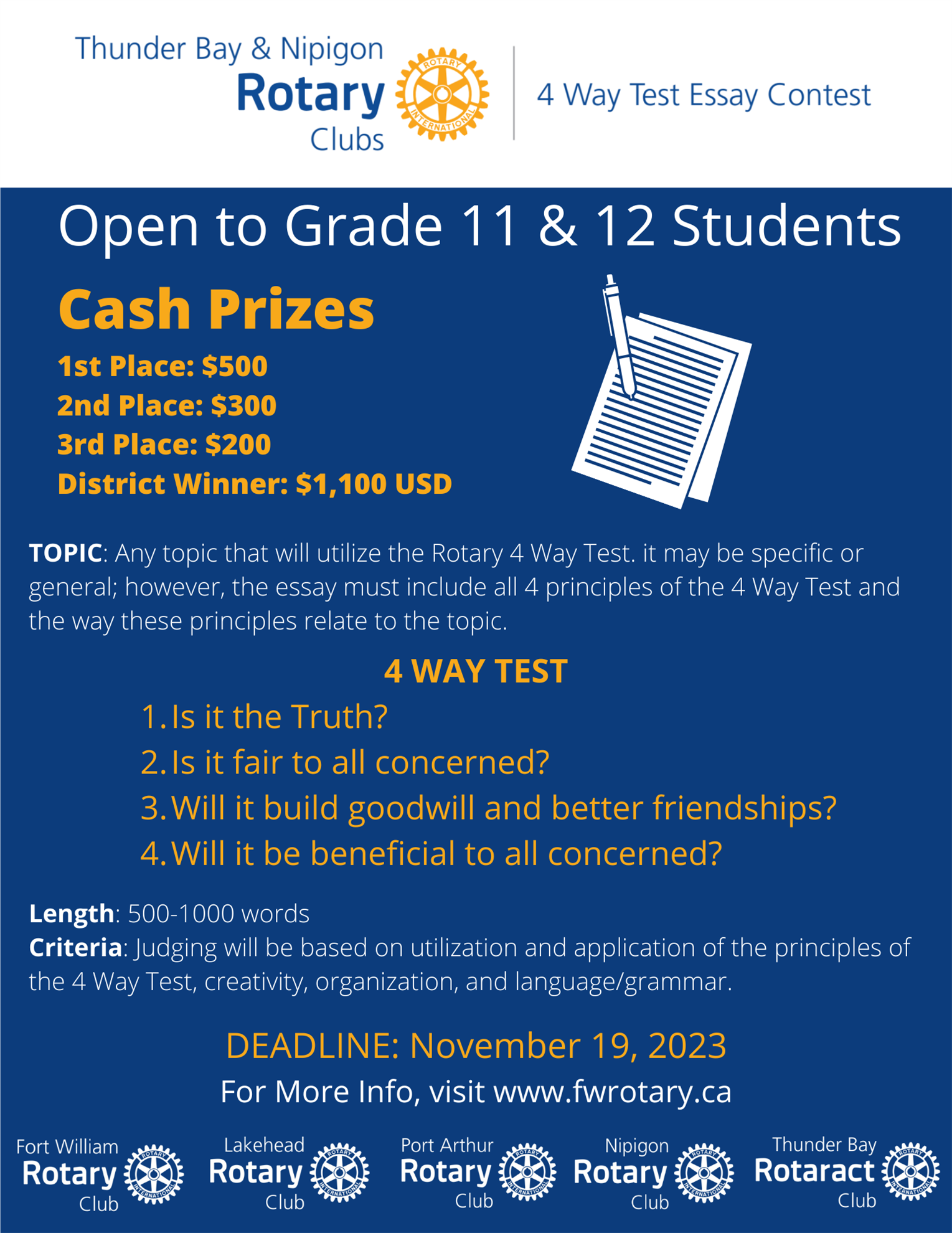

Mark your calendars for the 31st Rotary Santa Claus Parade presented by Gore Motors!
Click HERE for more information.
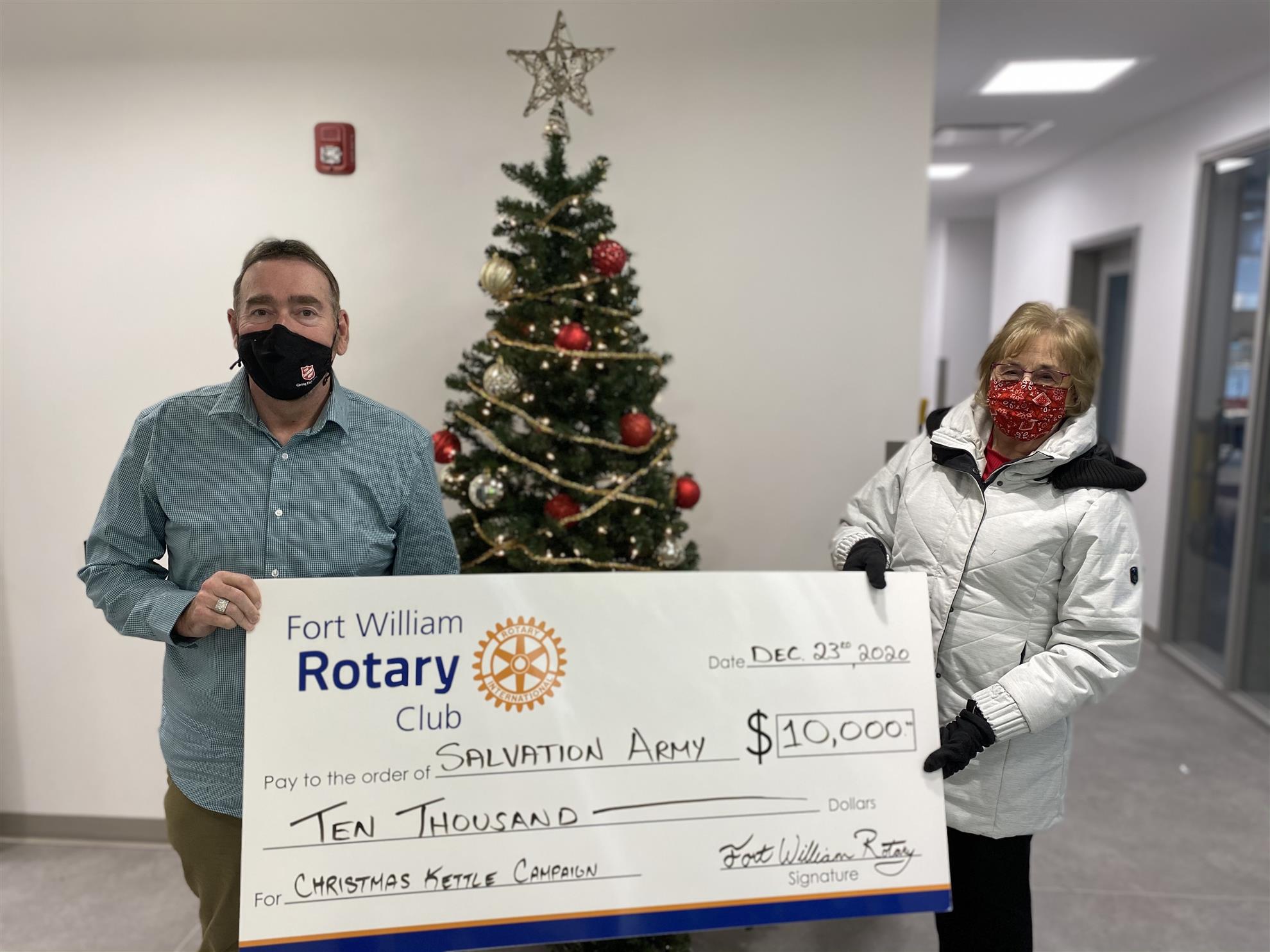 Gary Ferguson, Executive Director of Salvation Army Thunder Bay, receives a cheque from Cynthia Judge, President of Fort William Rotary.
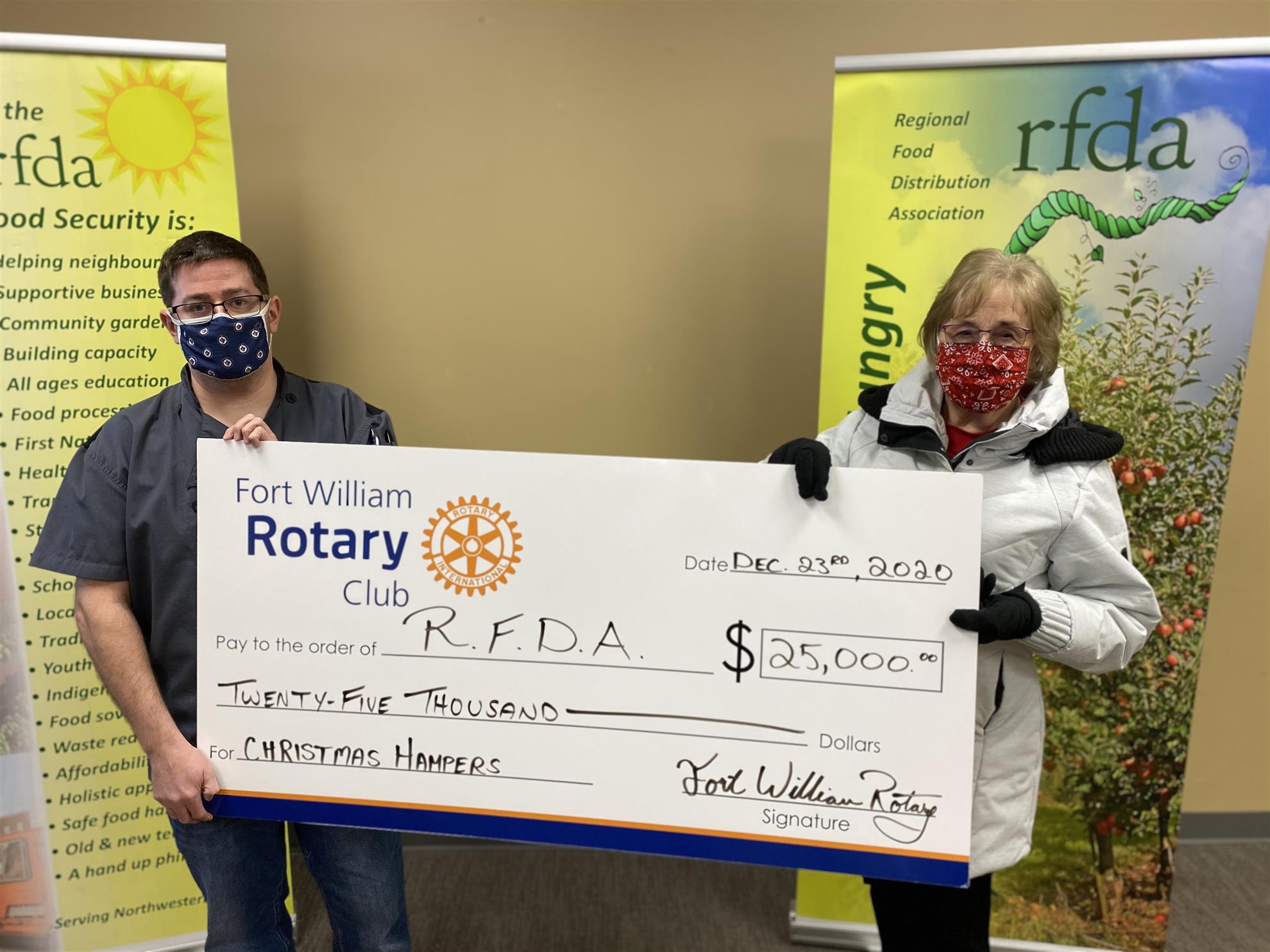 Tanner Harris, Kitchen Manager of the RFDA, receives a cheque from Cynthia Judge, President of Fort William Rotary.
Thunder Bay) Fort William Rotary is marking the end of 2020 by donating $35,000 to local charities. FW Rotary President Cynthia Judge presented two cheques; one for $25,000 to the Regional Food Distribution Association (RFDA), and the other cheque of $10,000 to the Salvation Army.
 Steven MacDonald, Executive Director of George Jeffrey Children's Foundation, Stephen Margarit, President of Fort William Rotary, and Tina Bennett, CEO of George Jeffrey Children's Centre stand in front of the Centre with the new utility van.
 George Jeffrey Children's Foundation and Centre are celebrating Fort William Rotary Club's generosity that is bringing significant enhancements to services at George Jeffrey Children's Centre.
As part of their support, the Fort William Rotary Club has funded a utility van that will be used for getting trial equipment to children's homes and schools, as well as for transporting equipment for the centre's children's recreation programs including sledge hockey, fishing, kayaking, bicycling and other outdoor programming.




.png)